
Quick Start
This page gives you the end-to-end path through Moltin in a few minutes. Each step links to a detailed page if you want more.
1. Sign in
Go to the app and sign in with your email. You'll authenticate through Auth0 and then pick your workspace. See Signing In.
2. Land on Home
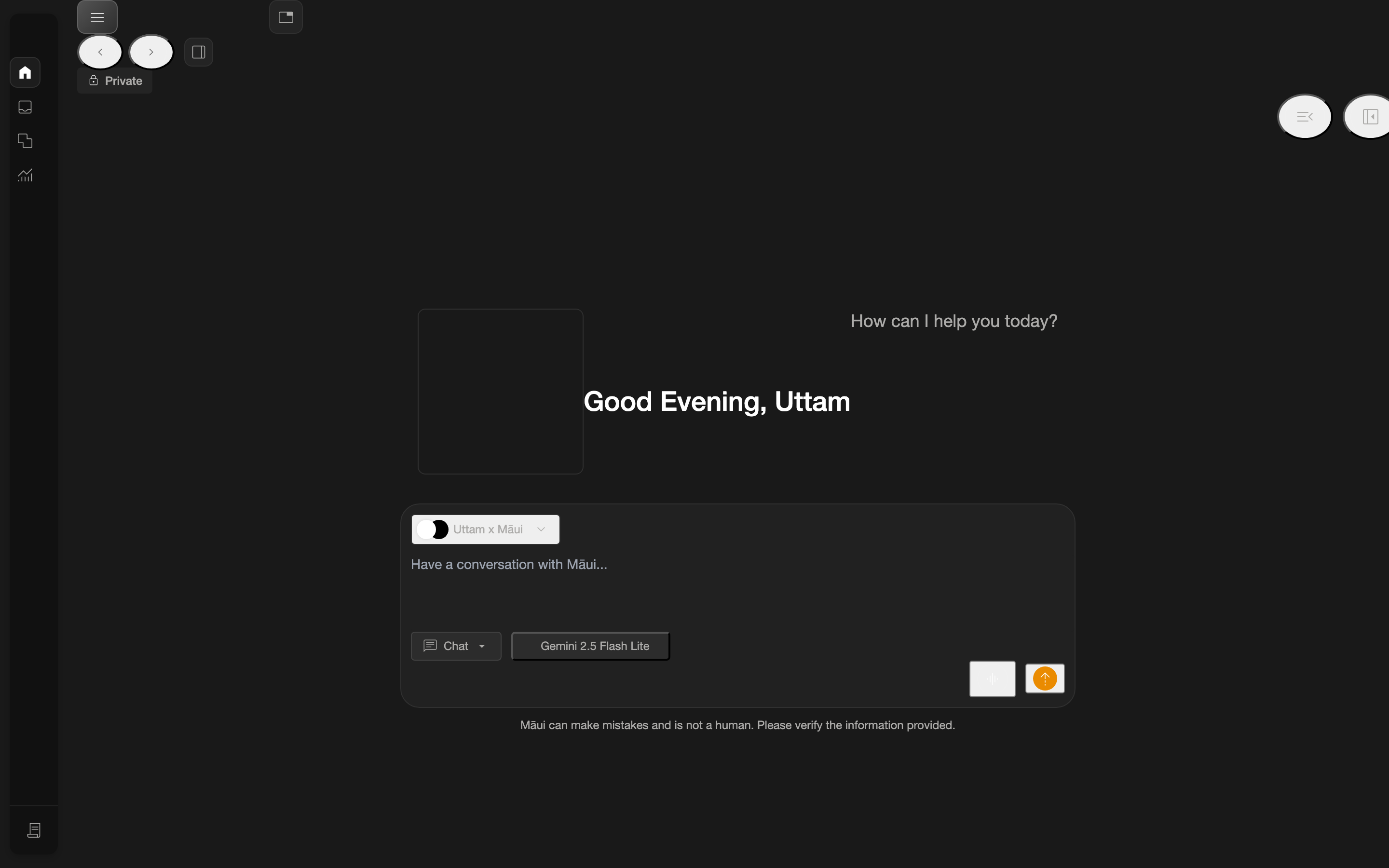
After sign-in you arrive at the Home screen — your starting point with a greeting and a chat-style entry. See Home.
3. Open Build
Click the build icon in the left navigation rail to reach the Build dashboard, where your workspace's agents live. See Build Overview.
4. Open an agent
Pick an agent from the dashboard to open its agent-level area (Dashboard, Settings, Editor, Runs, …). See Agents.
5. Build a workflow (skill)
In the agent Editor, click Add Skill to create a workflow, then add tasks to it. See Creating a Workflow.
Prerequisites
- A Moltin account with access to at least one workspace.
- A modern browser (Chrome/Edge/Firefox/Safari).
Access required
Moltin is an authenticated application. If you can't sign in or don't see a workspace, contact your workspace administrator.