
Build Overview
Build is the workspace-level area where you manage your AI agents and everything around them. Open it by clicking the build icon in the navigation rail.
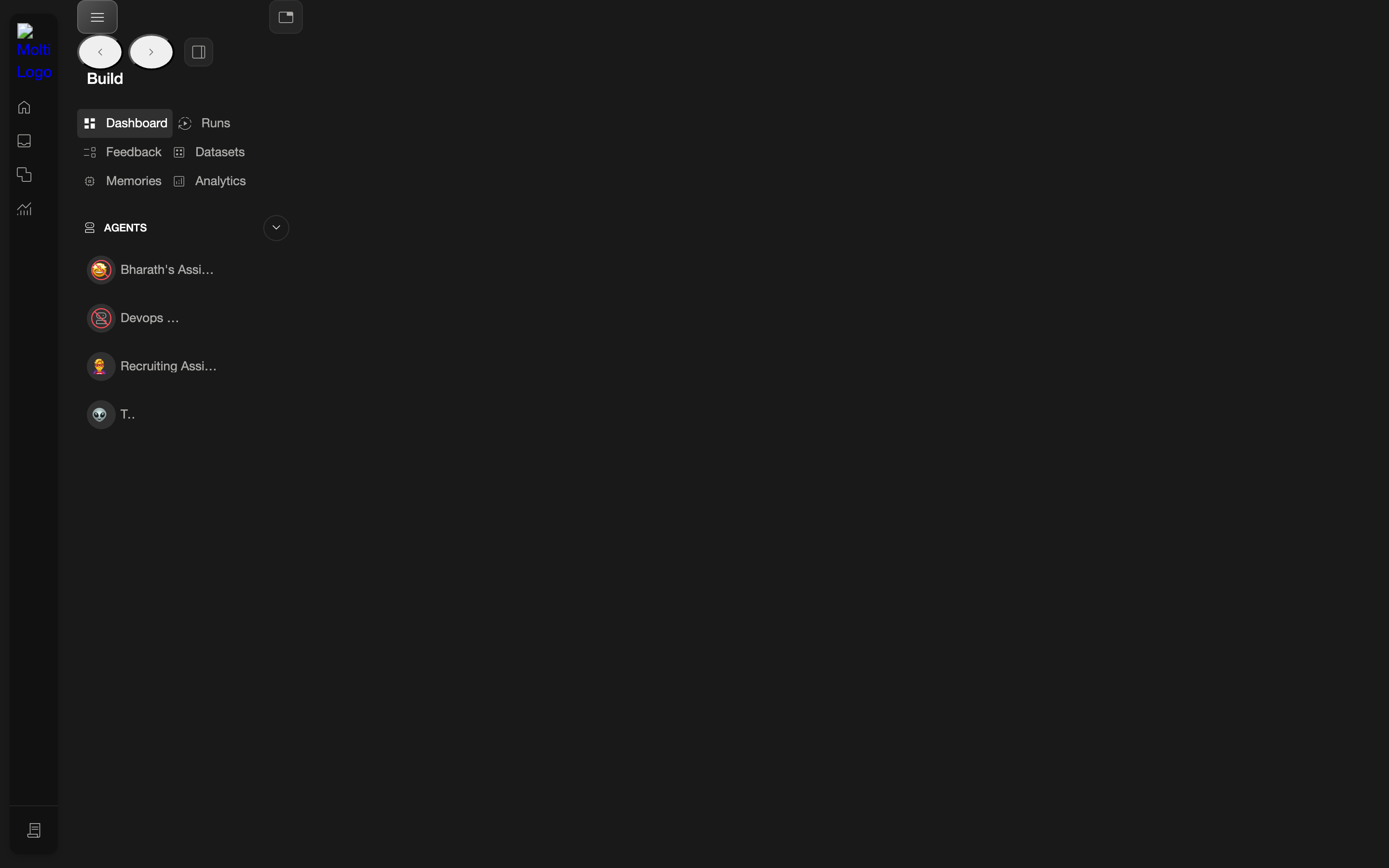
Build navigation
Once inside Build, a secondary navigation appears with these sections:
| Section | What it's for |
|---|---|
| Dashboard | Overview of the workspace and its agents |
| Runs | History of agent runs |
| Feedback | Feedback collected on agent behavior |
| Datasets | Datasets available to agents |
| Memories | Stored memories used by agents |
| Analytics | Health and performance analytics |
Agents on the dashboard
The Build Dashboard lists the workspace's agents. Each agent is a link that opens that agent's own area. See Agents for what you can do once you open one.
Workspace-level vs. agent-level
Build sections like Runs and Feedback exist at two levels: the workspace level (all agents) here in Build, and the agent level (a single agent) inside each agent's area. The agent-level versions are covered under Agents.