
Agents
An agent is an AI assistant you configure in Moltin. Open one from the Build dashboard by clicking its name.
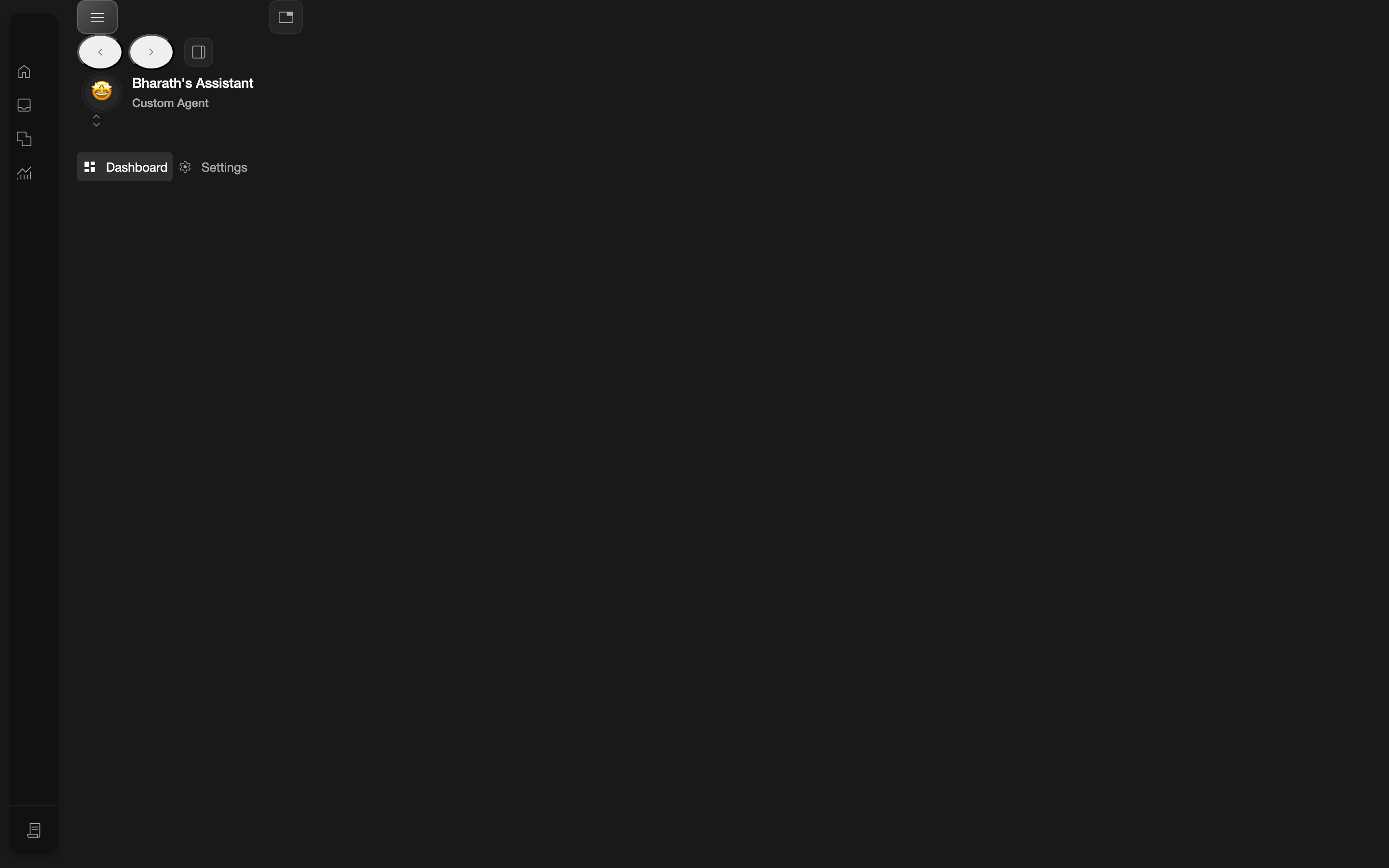
The agent area
Once you open an agent, it has its own secondary navigation:
| Section | What it's for |
|---|---|
| Dashboard | The agent's overview |
| Settings | Configure the agent |
| Editor | Build the agent's workflows (skills) and tasks |
| Runs | This agent's run history |
| Feedback | Feedback specific to this agent |
| Calendar | The agent's scheduled items |
Settings is a click target, not a link
The Settings item behaves like a button rather than a normal link. Click the Settings label directly to open it.
Where to go next
The most important area for building behavior is the Editor, where you create workflows (skills) and add tasks:
- The Editor — the layout and the four top tabs.
- Creating a Workflow (Skill) — step by step.
- Adding Tasks — add steps to a skill.