Designer, Tests & Tools
Besides the Editor tab (where you create skills and tasks), the agent Editor has three more tabs.
Designer
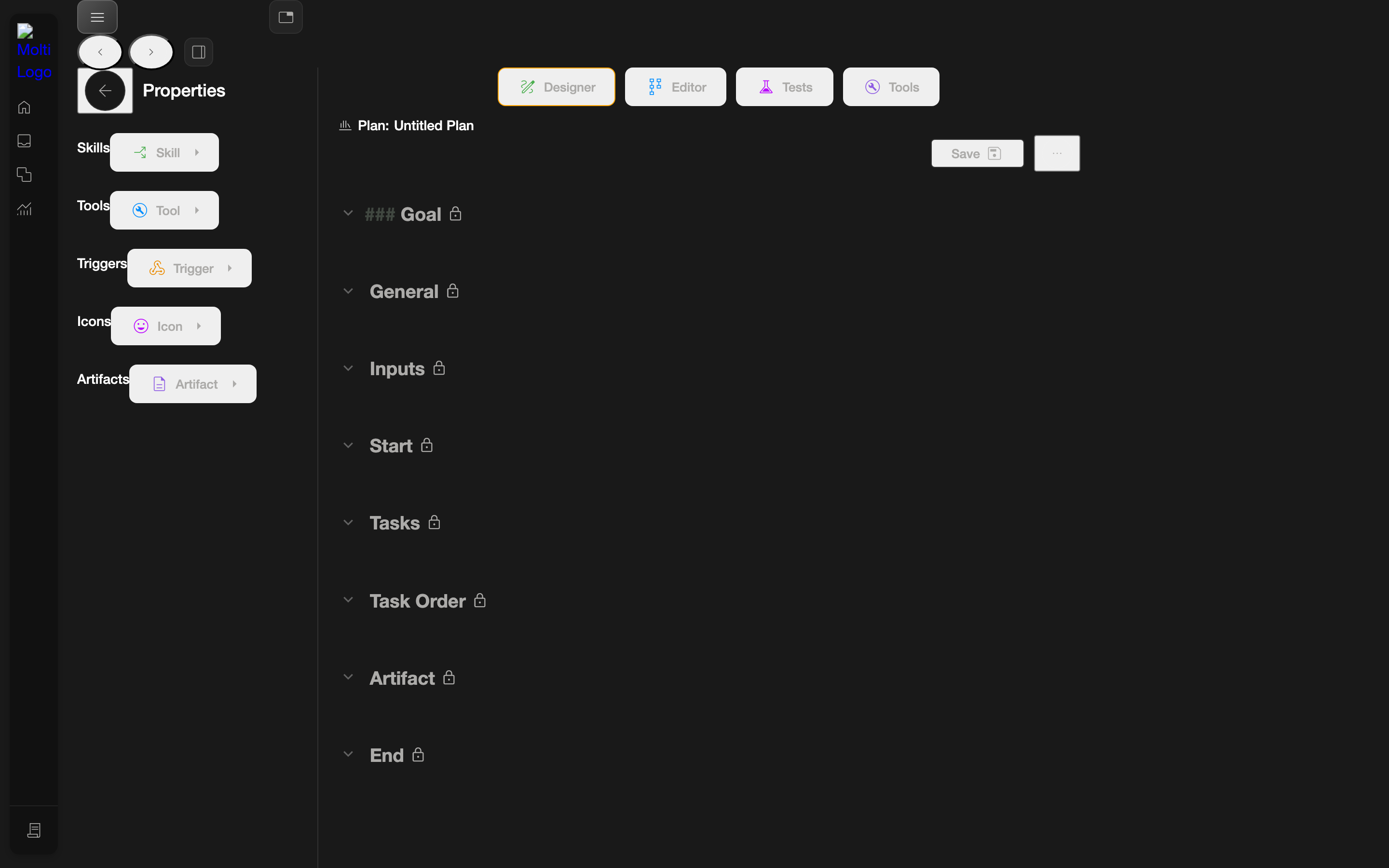
The Designer is an AI-assisted plan builder powered by Māui. It lets you describe a goal and have a plan composed for you, organized into collapsible sections such as Goal, General, Inputs, Start, Tasks, Task Order, and Artifact.
Where inputs live
Workflow inputs (for example, candidate_id) are defined in the Designer's Inputs section rather than as simple fields on a task. You can also reference them in a skill's Instructions or a task's Description.
Tests
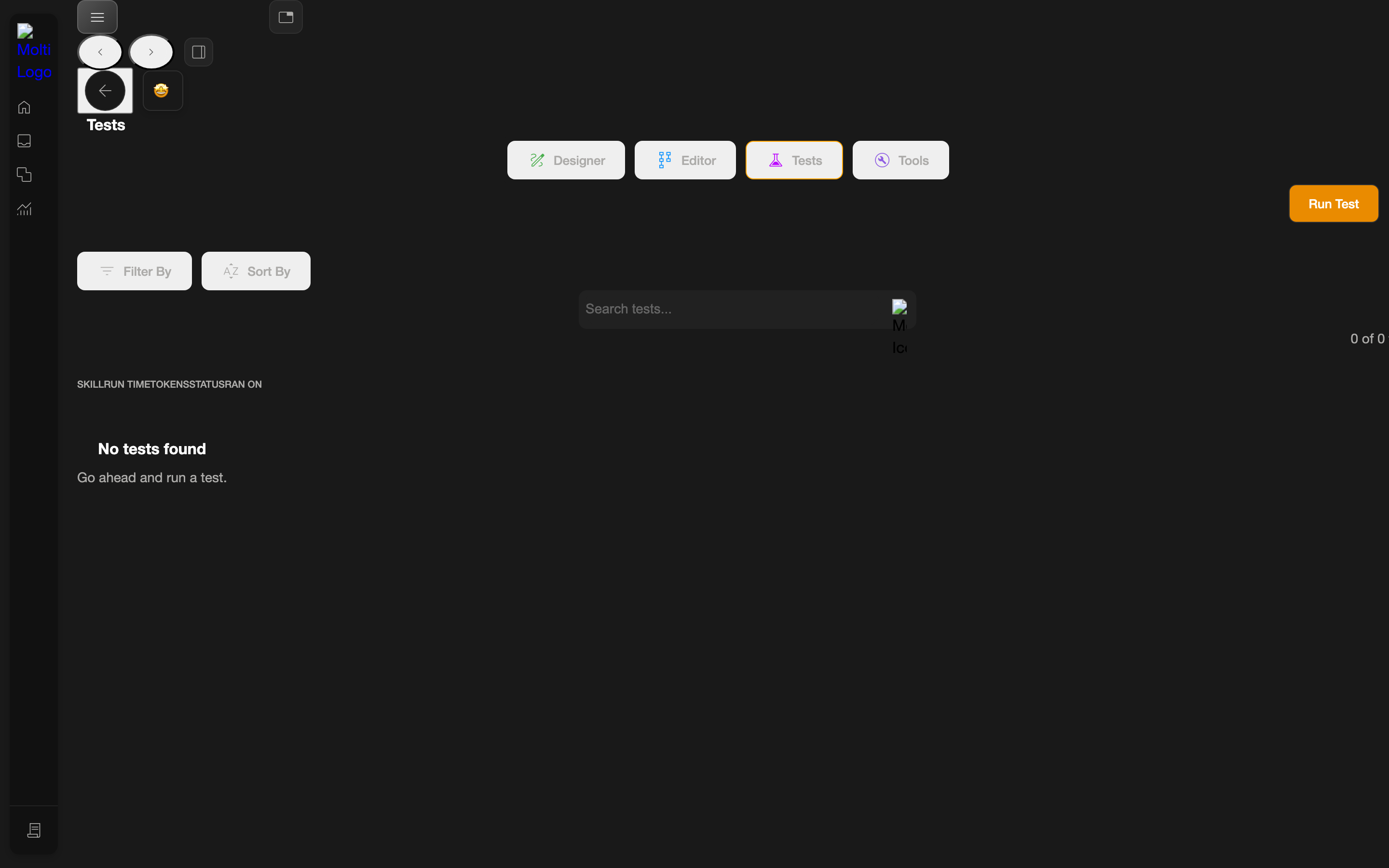
The Tests tab lets you create and run tests against the agent. It has a Run Test button, a Search tests… box, and Filter / Sort controls.
Tools
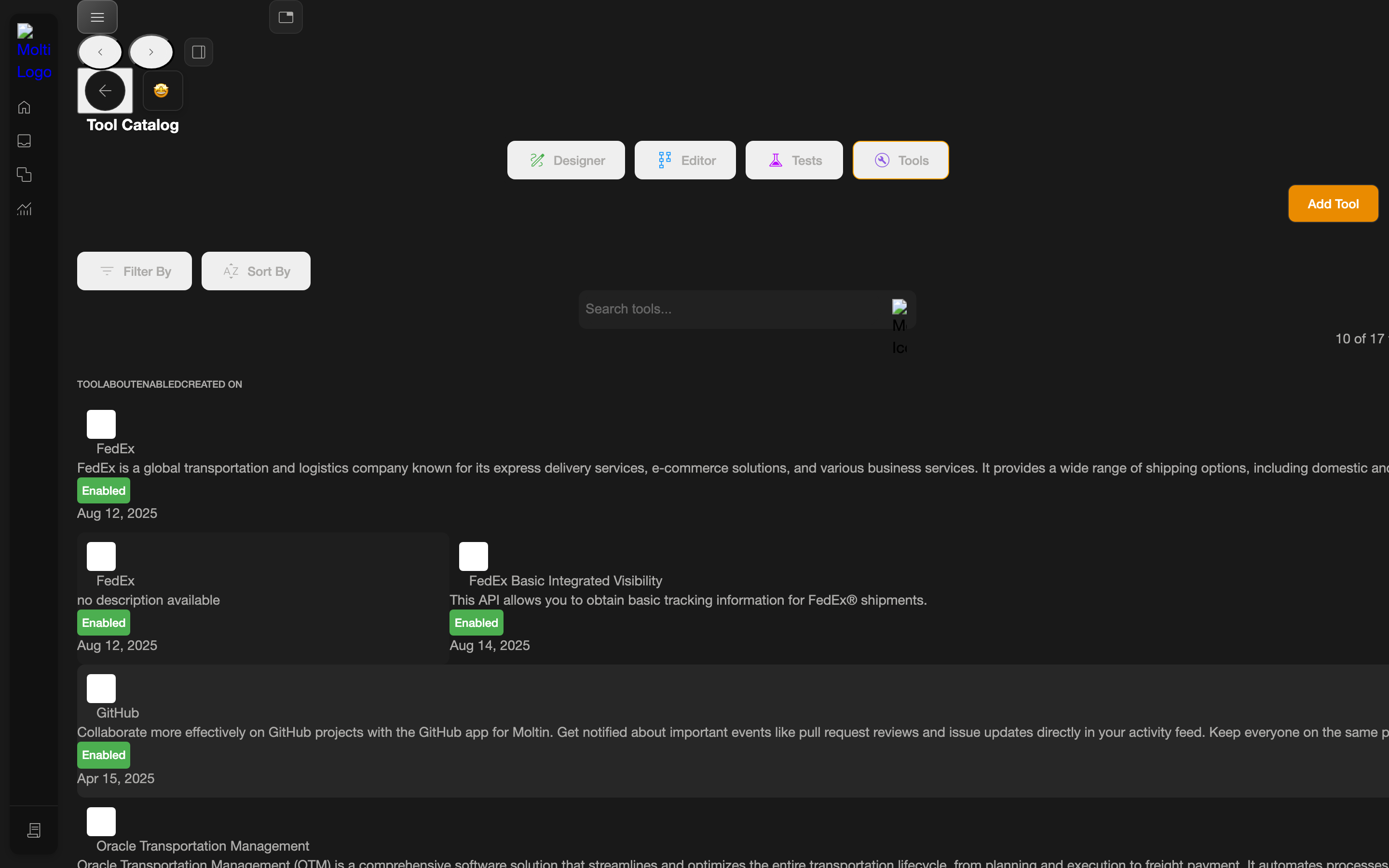
The Tools tab manages the agent's tools. It has an Add Tool button, a Search tools… box, and Filter / Sort controls. This is also where integration actions become available to attach to tasks.