
Home
Home is the first screen you see after signing in and selecting a workspace. It greets you (e.g. Good Morning / Afternoon / Evening) and offers a chat-style entry point — "How can I help you today?"
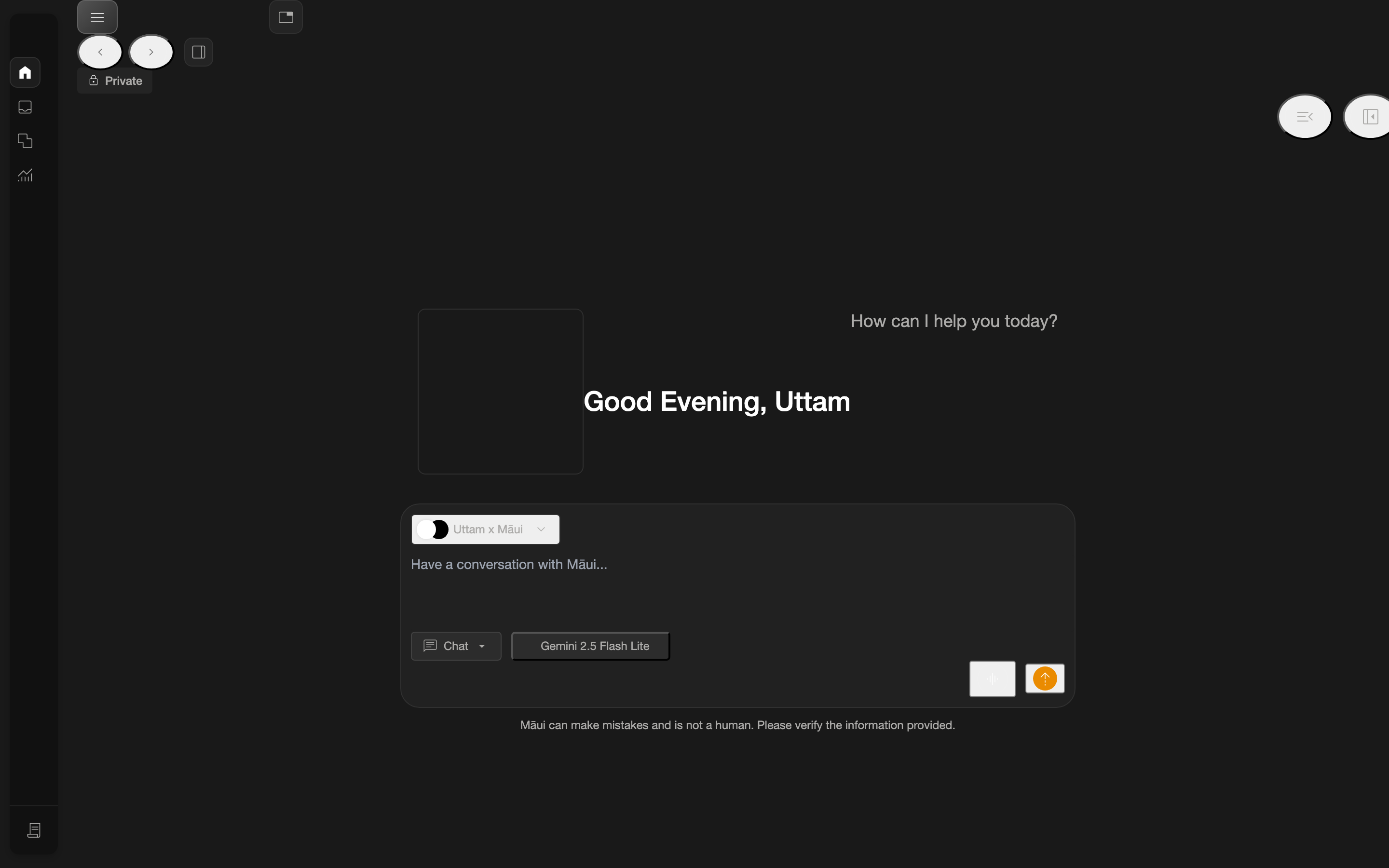
What's on Home
- A greeting based on the time of day.
- A chat / help entry where you can start interacting.
- The persistent left navigation rail for moving to other areas of the app.
Getting back to Home
From anywhere in the app, click the home icon in the left navigation rail to return here. See The Navigation Rail for the full list of rail destinations.